Productivity & Project Management

Integrate MCP servers or API based tools so your agents can access data, perform actions, and stay in sync with your systems.
Confluence
Keep documentation connected.
View Integration
Linear
Manage product tasks seamlessly.
View Integration
Notion
Turn customer conversations into tasks or notes.
View Integration

How setup works

Setting up an integration in Plivo is quick and intuitive
01

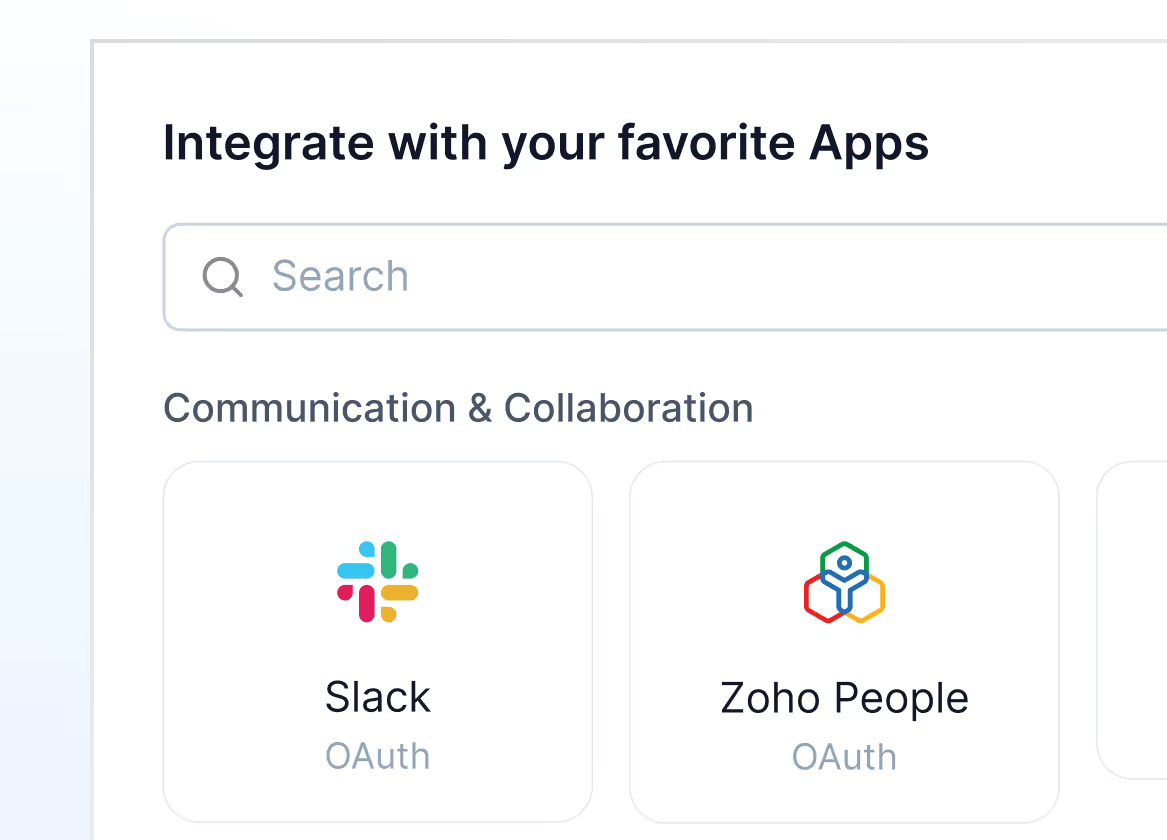
Pick your app

Go to Settings → Integrations → Apps and click on “New Integration” to get started.
Mockup
02

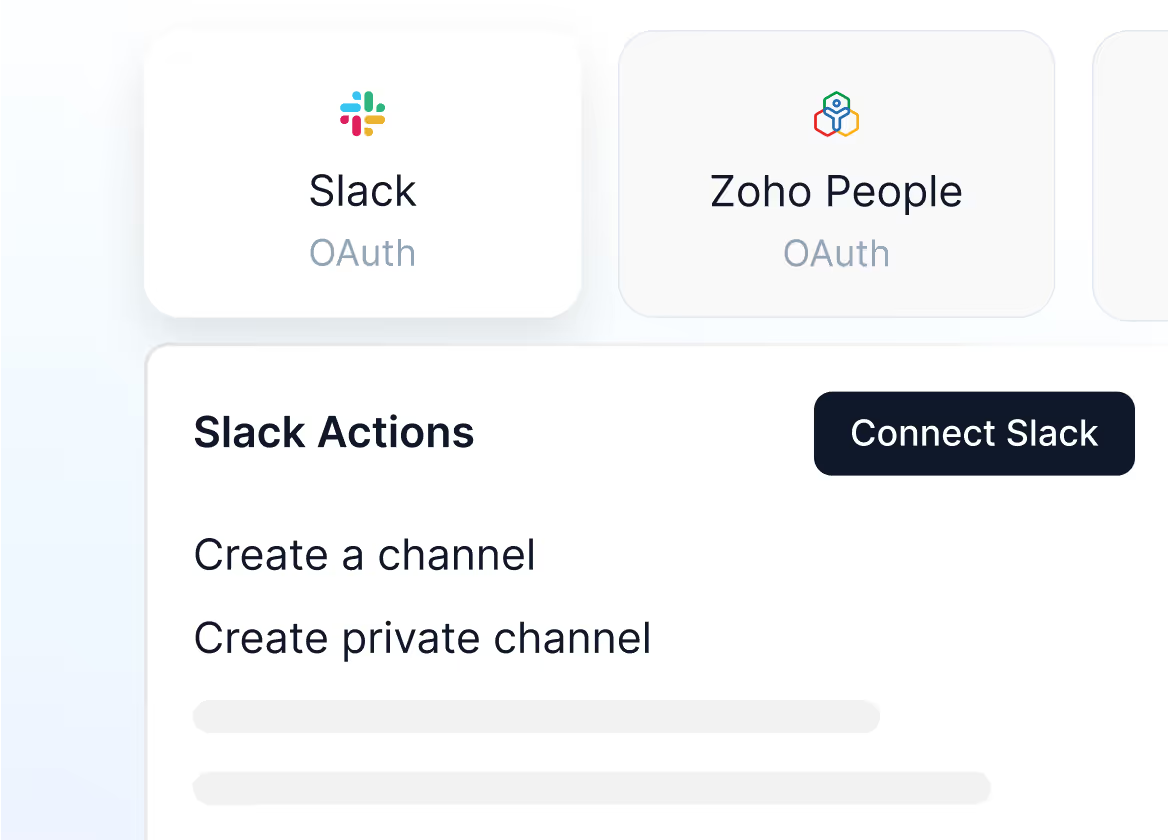
Check the app actions

Once you select your app, go through the app actions and click on “Connect”
Mockup
03

Sign in and connect your app

Connect to the app using 0Auth Sign in, API or MCP, based on your selected app.
Mockup

Ready to integrate?

Head to the Apps section in your Plivo dashboard and connect your first integration. You’ll be up and running in minutes.