Channels

Integrate MCP servers or API based tools so your agents can access data, perform actions, and stay in sync with your systems.
Chat
Add real-time web or in-app chat to let customers connect with your AI Agents.
View Integration
SMS
Deliver instant notifications, confirmations, and replies through SMS.
View Integration
Voice Call
Connect your AI Agents to handle inbound and outbound voice calls
View Integration
WhatsApp Call
Enable your agents to handle inbound and outbound voice calls directly on WhatsApp.
View Integration
WhatsApp Message
Let customers chat with your AI Agents on WhatsApp Business.
View Integration

How setup works

Setting up an integration in Plivo is quick and intuitive
01

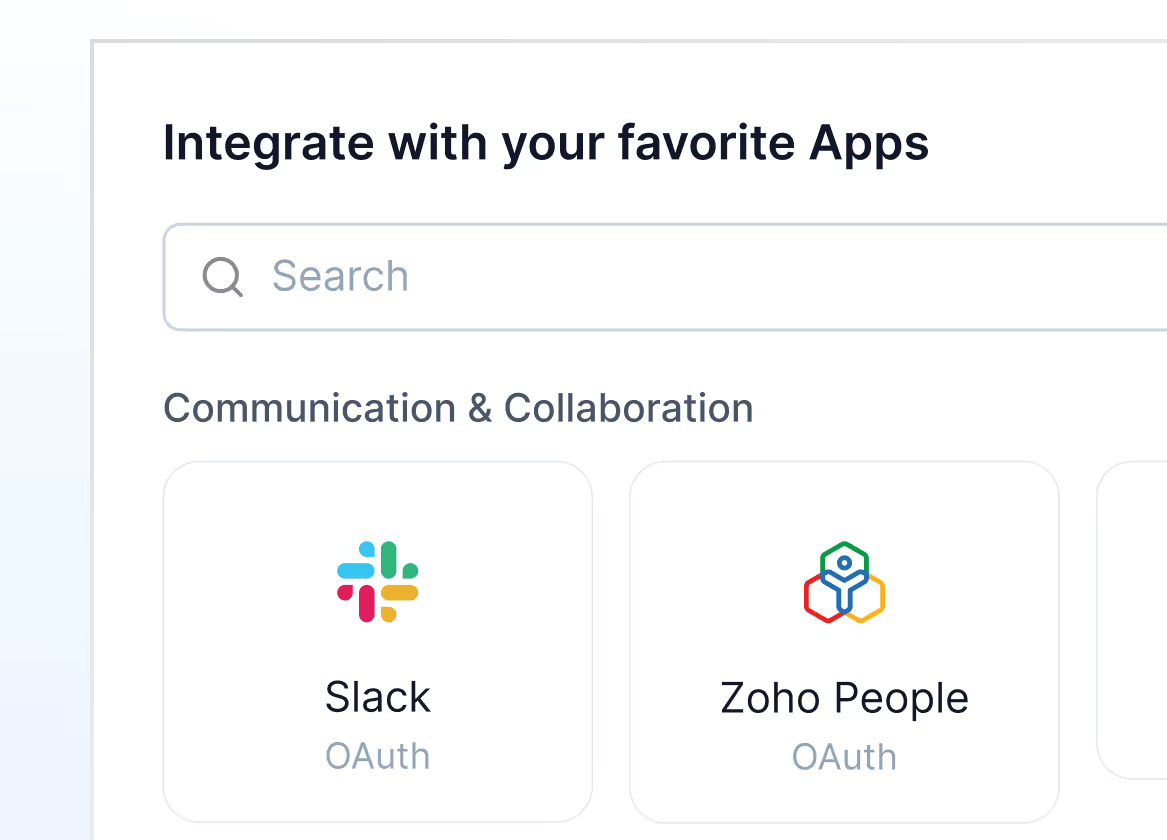
Pick your app

Go to Settings → Integrations → Apps and click on “New Integration” to get started.
Mockup
02

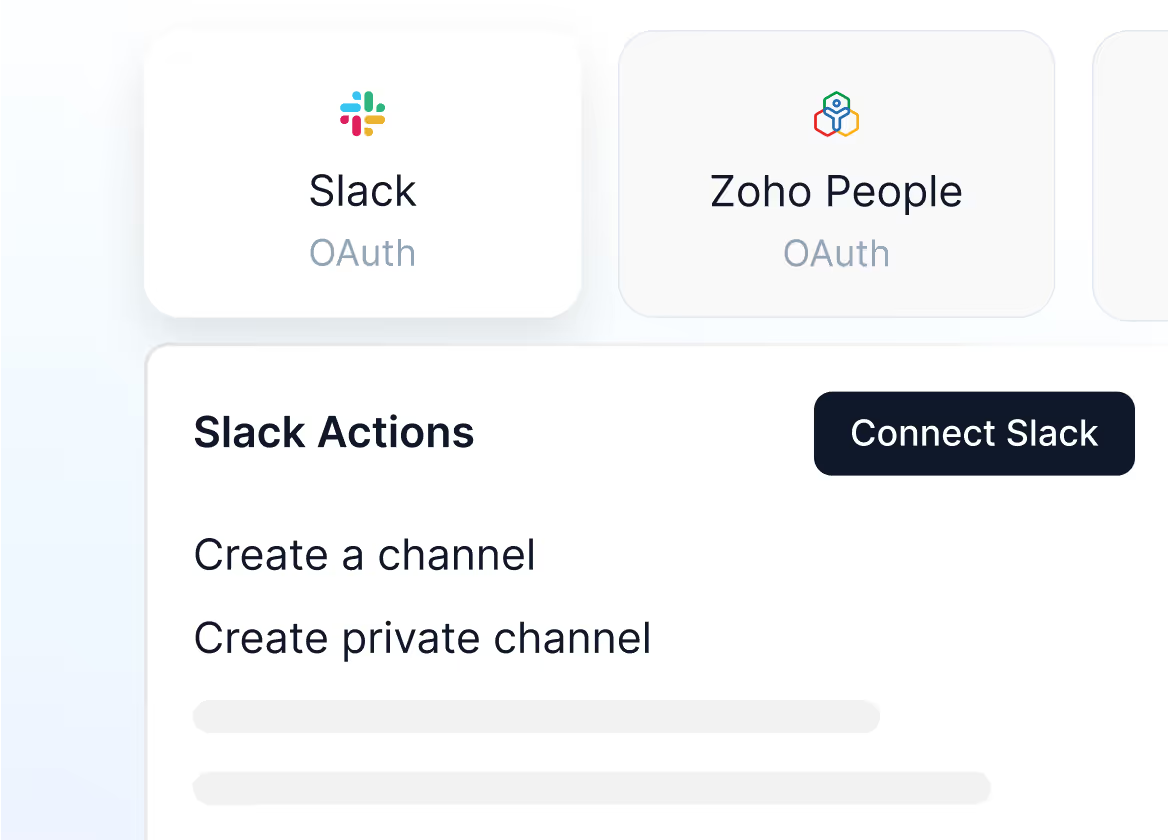
Check the app actions

Once you select your app, go through the app actions and click on “Connect”
Mockup
03

Sign in and connect your app

Connect to the app using 0Auth Sign in, API or MCP, based on your selected app.
Mockup

Ready to integrate?

Head to the Apps section in your Plivo dashboard and connect your first integration. You’ll be up and running in minutes.