Connect your favorite apps in minutes

Integrate MCP servers or API based tools so your agents can access data, perform actions, and stay in sync with your systems.
Categories
CRM & Sales
Customer Support & Service
Communication & Collaboration
File Storage & Workspace
Productivity & Project Management
Scheduling & Calendar
Search & Information
Social Media & Content
Channels
Thank you! Your submission has been received!
Oops! Something went wrong while submitting the form.
Scheduling & Calendar
Cal.com
Use API keys to customize scheduling.
View Integration
Scheduling & Calendar
Calendly
Automate scheduling without back-and-forth.
View Integration
Channels
Chat
Add real-time web or in-app chat to let customers connect with your AI Agents.
View Integration
Productivity & Project Management
Confluence
Keep documentation connected.
View Integration
File Storage & Workspace
Dropbox
Securely store assets and share links in conversations.
View Integration
Customer Support & Service
Freshdesk
Track and manage customer issues in Freshdesk.
View Integration
Scheduling & Calendar
Google Calendar
Create and manage events.
View Integration
File Storage & Workspace
Google Docs
Access and update documents from workflows.
View Integration
File Storage & Workspace
Google Drive
Store and share files instantly.
View Integration
Search & Information
Google Search
Get real-time web results.
View Integration
File Storage & Workspace
Google Sheets
Log and fetch data from spreadsheets.
View Integration
CRM & Sales
HubSpot
Connect HubSpot to sync contacts, track deals, and trigger follow-ups.
View Integration
Customer Support & Service
Intercom
Connect conversations across Plivo and Intercom.
View Integration
Productivity & Project Management
Linear
Manage product tasks seamlessly.
View Integration
Productivity & Project Management
Notion
Turn customer conversations into tasks or notes.
View Integration
Search & Information
Perplexity
AI-powered answers to customer questions.
View Integration
Social Media & Content
Reddit
Fetch Reddit content programmatically.
View Integration
Channels
SMS
Deliver instant notifications, confirmations, and replies through SMS.
View Integration
CRM & Sales
Salesforce
Bring Salesforce data into your agents to create, update, and fetch records.
View Integration
Search & Information
SearchAPI
Search multiple data sources quickly.
View Integration
Search & Information
SerpAPI
Access Google services at scale - flights, hotels, maps, news, and more.
View Integration
CRM & Sales
Shopify
Keep your storefront and customers in sync.
View Integration
Communication & Collaboration
Slack
Keep your team updated in real time.
View Integration
Social Media & Content
TwitterAPI.io
Integrate deeper with Twitter’s APIs.
View Integration
Channels
Voice Call
Connect your AI Agents to handle inbound and outbound voice calls
View Integration
No items found.
WeatherAPI
Share weather updates directly in chat.
View Integration
Channels
WhatsApp Call
Enable your agents to handle inbound and outbound voice calls directly on WhatsApp.
View Integration
Channels
WhatsApp Message
Let customers chat with your AI Agents on WhatsApp Business.
View Integration
Social Media & Content
X (Twitter)
Post and fetch updates from X.
View Integration
Social Media & Content
YouTube
Pull video links and metadata.
View Integration
Customer Support & Service
Zendesk
Create or update support tickets automatically.
View Integration
CRM & Sales
Zoho CRM
Update leads and opportunities directly from Plivo conversations.
View Integration
CRM & Sales
Zoho CRM
Work faster and smarter by integrating directly with Slack, right in the app.
View Integration
Customer Support & Service
Zoho Desk
Work faster and smarter by integrating directly with Slack, right in the app.
View Integration
Communication & Collaboration
Zoho People
Automate HR communications.
View Integration

Set up integrations effortlessly in 3 simple steps

Connecting an application in Plivo is quick and intuitive
01

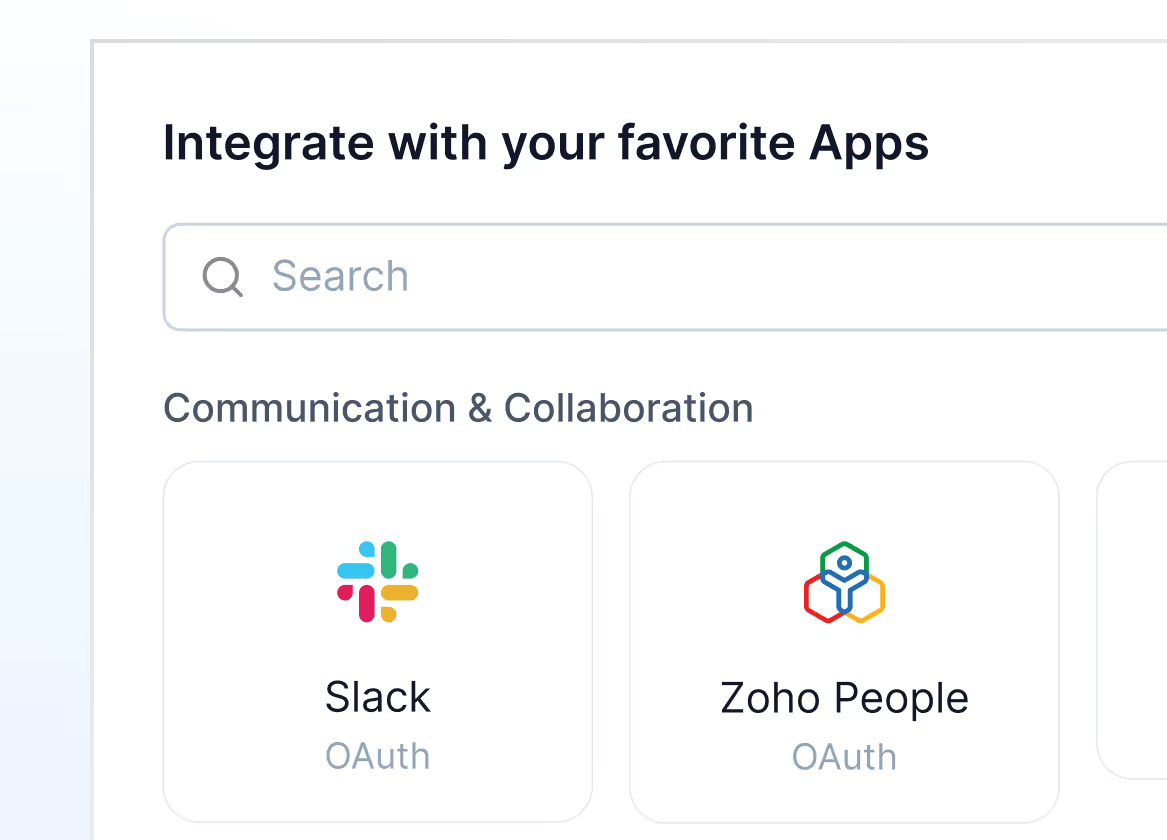
Pick your app

Go to Settings → Integrations → Apps and click on “New Integration” to get started.
Mockup
02

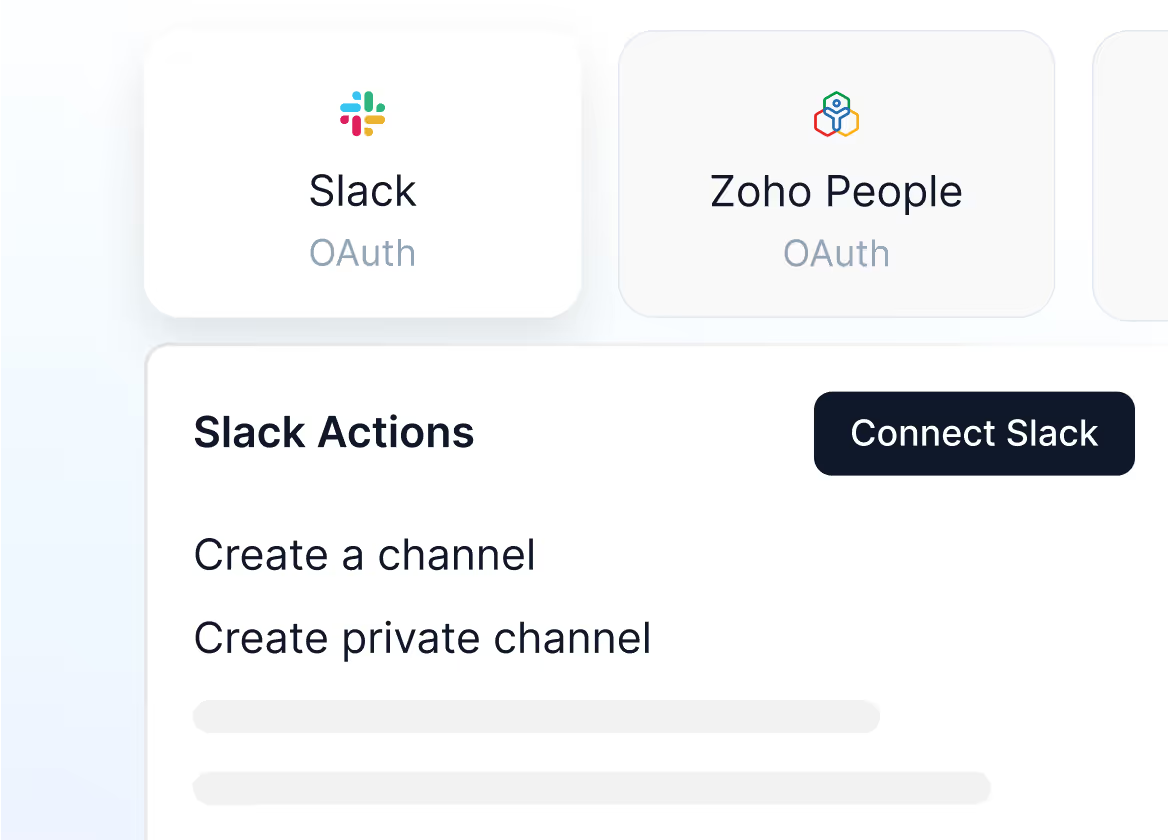
Check the app actions

Once you select your app, go through the app actions and click on “Connect”
Mockup
03

Sign in and connect your app

Connect to the app using 0Auth Sign in, API or MCP, based on your selected app.
Mockup

Ready to integrate?

Head to the Apps section in your Plivo dashboard and connect your first integration. You’ll be up and running in minutes.