CRM & Sales

Integrate MCP servers or API based tools so your agents can access data, perform actions, and stay in sync with your systems.
HubSpot
Connect HubSpot to sync contacts, track deals, and trigger follow-ups.
View Integration
Salesforce
Bring Salesforce data into your agents to create, update, and fetch records.
View Integration
Shopify
Keep your storefront and customers in sync.
View Integration
Zoho CRM
Update leads and opportunities directly from Plivo conversations.
View Integration
Zoho CRM
Work faster and smarter by integrating directly with Slack, right in the app.
View Integration

How setup works

Setting up an integration in Plivo is quick and intuitive
01

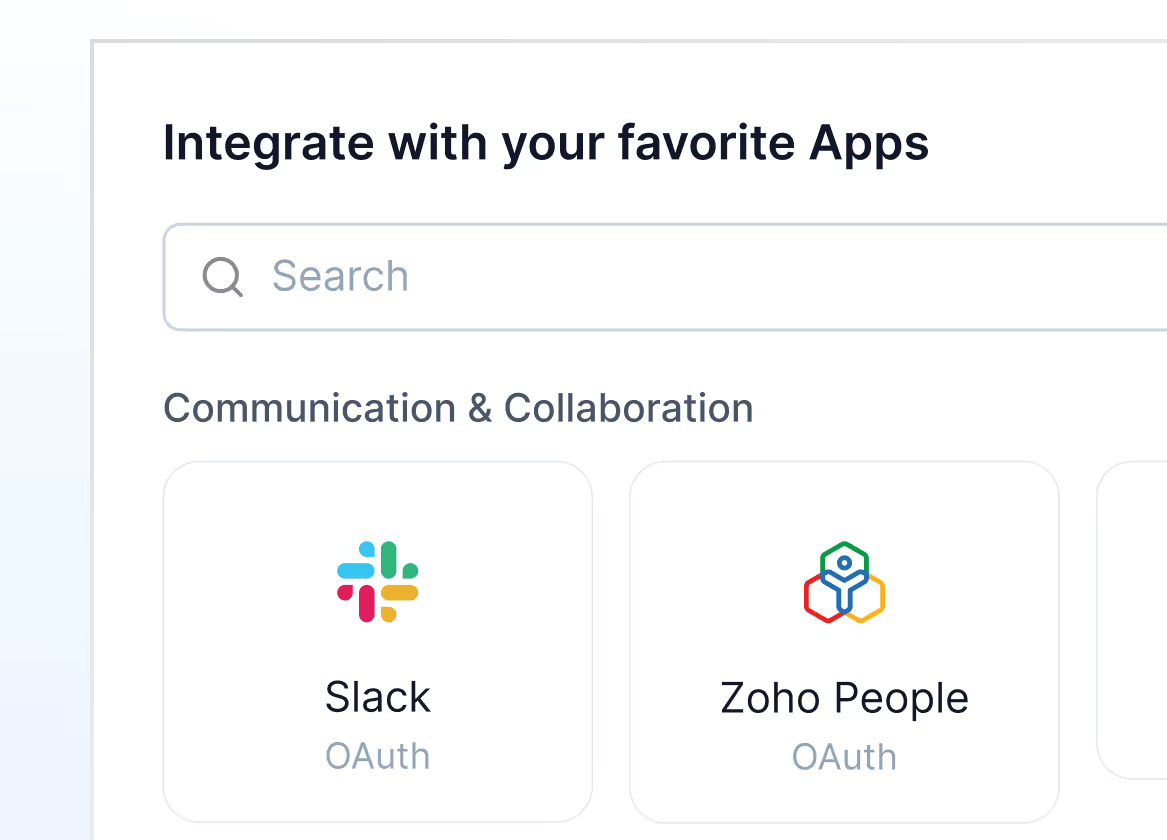
Pick your app

Go to Settings → Integrations → Apps and click on “New Integration” to get started.
Mockup
02

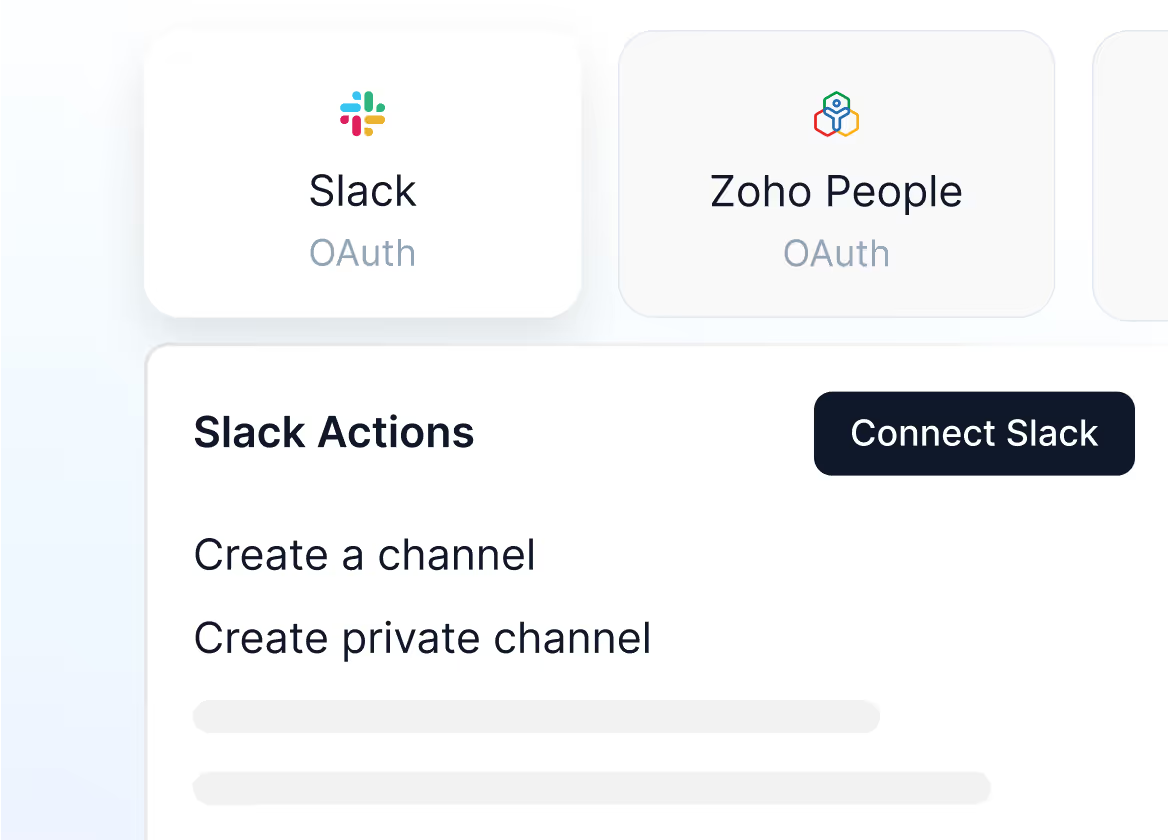
Check the app actions

Once you select your app, go through the app actions and click on “Connect”
Mockup
03

Sign in and connect your app

Connect to the app using 0Auth Sign in, API or MCP, based on your selected app.
Mockup

Ready to integrate?

Head to the Apps section in your Plivo dashboard and connect your first integration. You’ll be up and running in minutes.