

Overview
This guide shows how to send an SMS text message to any phone number. Businesses send text messages to notify customers about recent information, send alerts, and provide delivery status updates, among other use cases. You can start sending SMS messages either by using our PHLO visual workflow builder or our APIs. Follow the instructions in one of the tabs below.- Using API
Here’s how to use Plivo APIs to send outbound SMS text messages.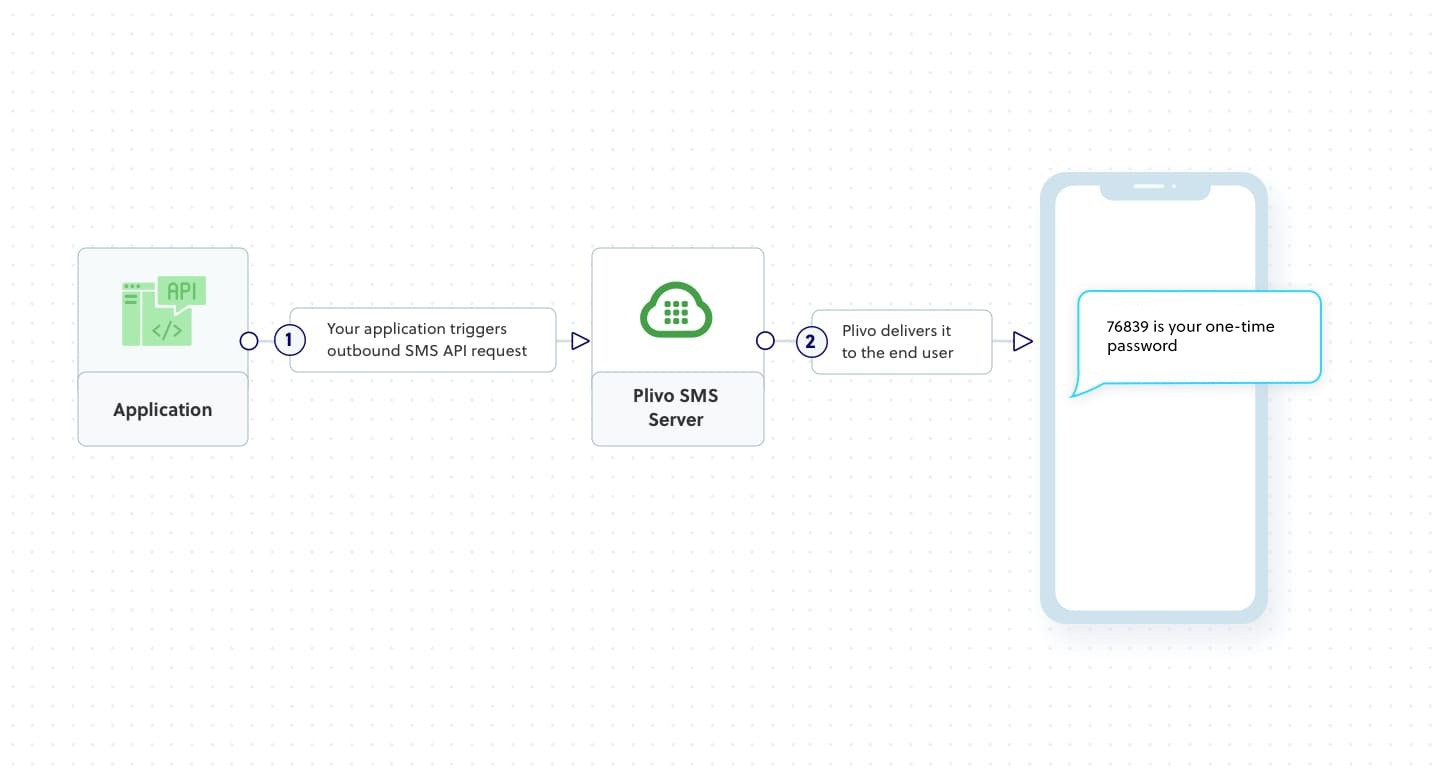
How it works
Prerequisites
To get started, you need a Plivo account — sign up with your work email address if you don’t have one already. If this is your first time using Plivo APIs, follow our instructions to set up a Python development environment.Create the send SMS application
Create a file calledsend_sms.py and paste into it this code.Note:
We recommend that you store your credentials in the
auth_id and auth_token environment variables to avoid the possibility of accidentally committing them to source control. If you do this, you can initialize the client with no arguments and Plivo will automatically fetch the values from the environment variables. You can use os module(os.environ) to store environment variables and fetch them when initializing the client.