

GitHub UI
- Go to the repository where you want to set up a workflow.
-
Click on Actions, then select set up a workflow.
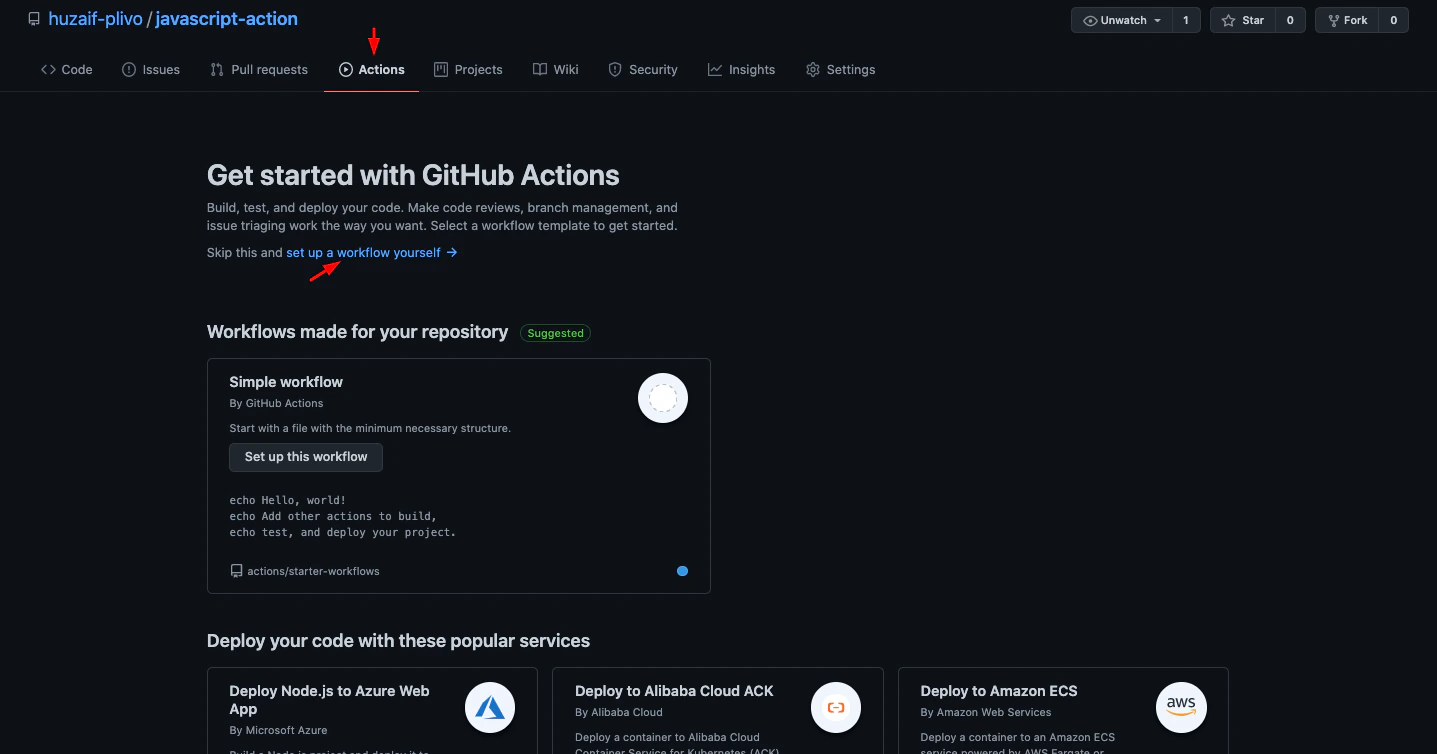
Set Up Workflow
-
Under Marketplace, search for Plivo SMS, then click on it.
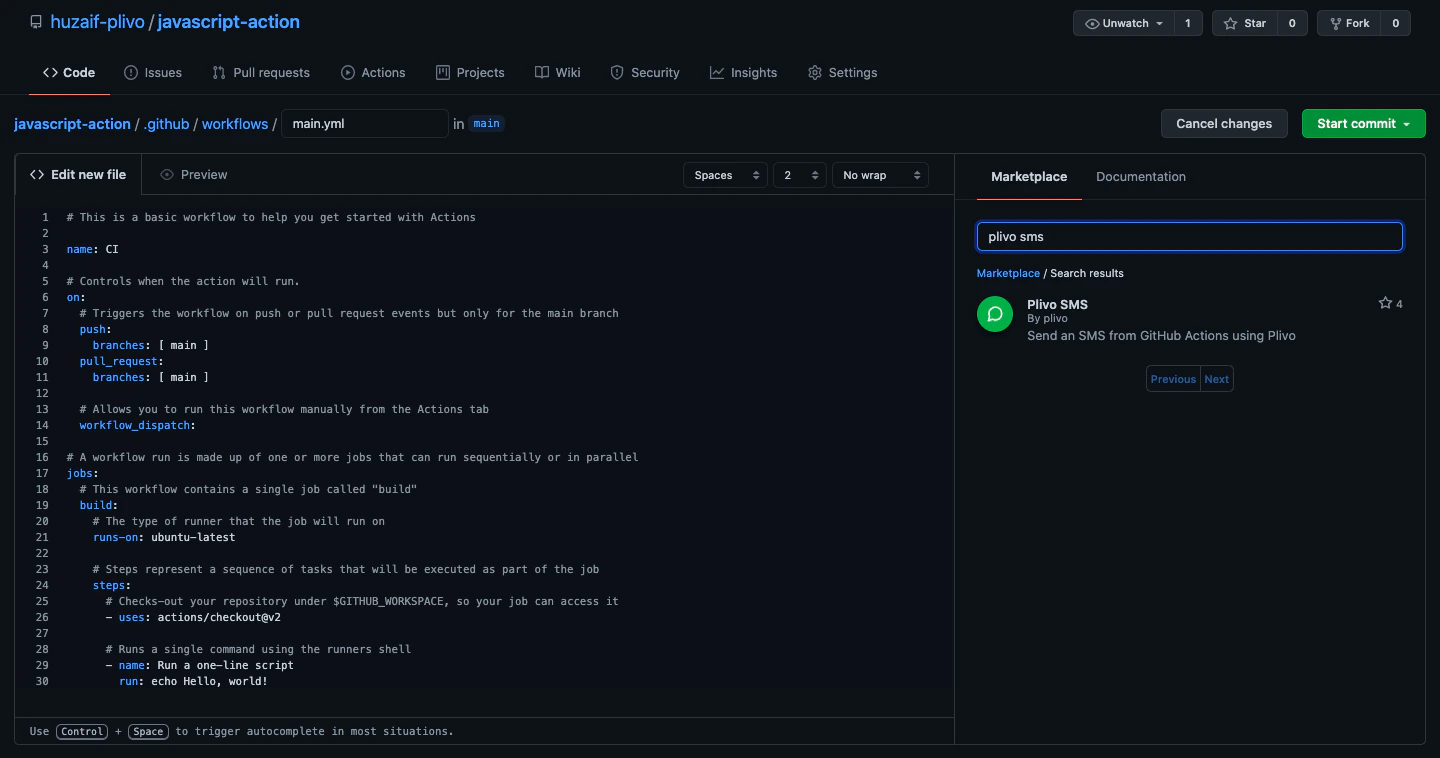
Github Marketplace
- Copy the code snippet from the Installation pane and paste it into your main.yml file.
-
You can paste the code snippet within the steps interface.
- Click on the Start commit button to commit the changes in your branch.
Locally
- Go to your local repository and create a new directory named** .github/workflows**, then create a new file name main.yml.
-
Paste this code within the steps interface.
- Commit the changes to your repository.