

Call Flow
Suppose you have a web or mobile application that needs to connect two participants in a voice call.Collect phone numbers
Your application collects the phone numbers of two participants whose numbers you want to mask.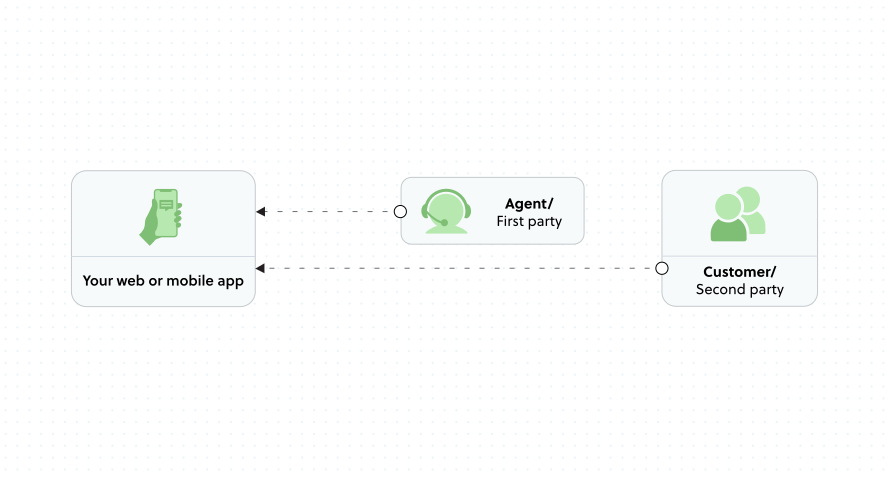
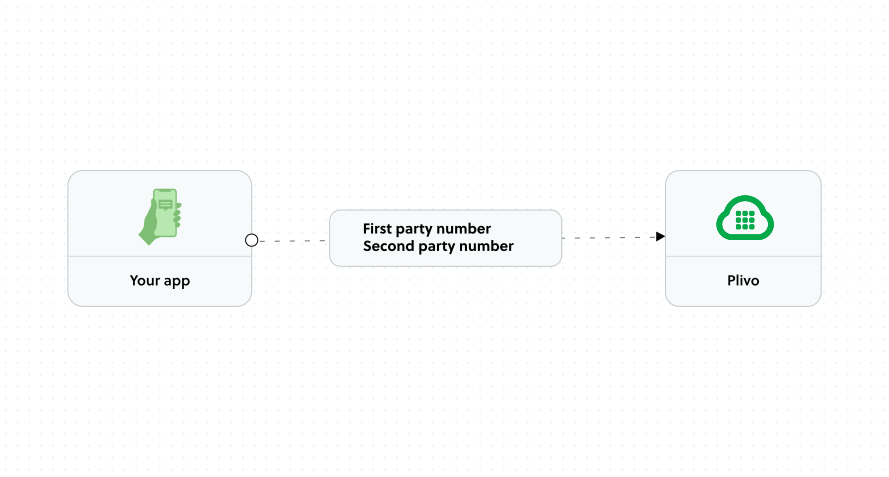
Receive virtual number
Plivo creates a session and assigns a virtual phone number from your account.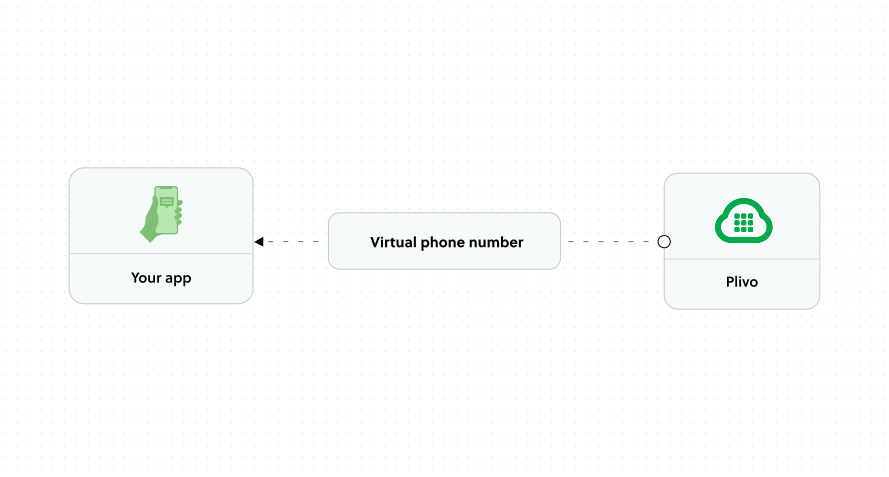
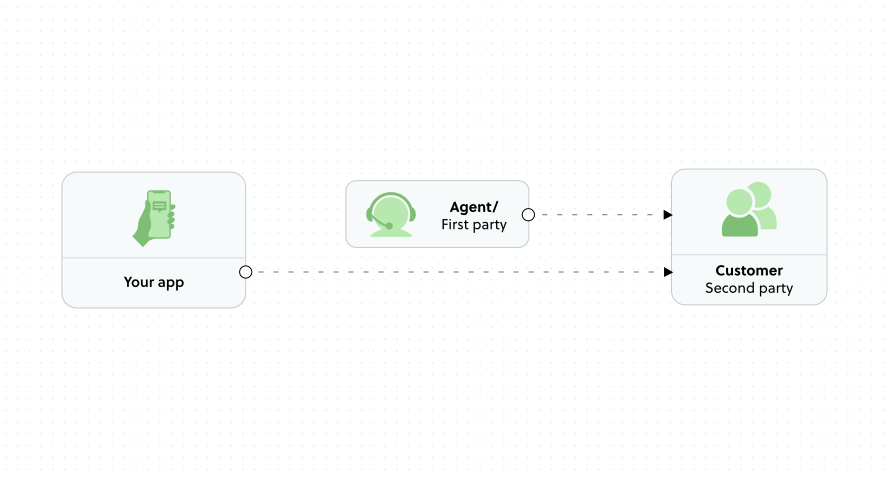
Prerequisites
To use Number Masking:- Plivo account - Sign up with your work email if you don’t have one
- Voice-enabled phone numbers - Rent numbers from the Numbers page or via the Numbers API
Click-to-Call Scenario
In a click-to-call flow:- User taps a call button in your app
- Your app displays the virtual phone number
- User dials the virtual number
- Plivo connects them to the other party
- Both parties see only the virtual number as caller ID
Request-a-Call Scenario
In a request-a-call (or “call me”) flow:- User clicks a “Call Me” button and provides their phone number
- Plivo calls that number (first party)
- When answered, Plivo calls the second party
- Both calls are bridged together
- Both parties see the virtual number as caller ID
- Customers are roaming and can’t make outbound calls
- You want to absorb call costs rather than having customers pay
Next Steps
- Create a Session - API reference for creating masking sessions
- PIN-based Authentication - Allow calls from unregistered numbers
- Virtual Number Allocation - Calculate your number inventory