Configure your Plivo credentials in the EngageBay dashboard
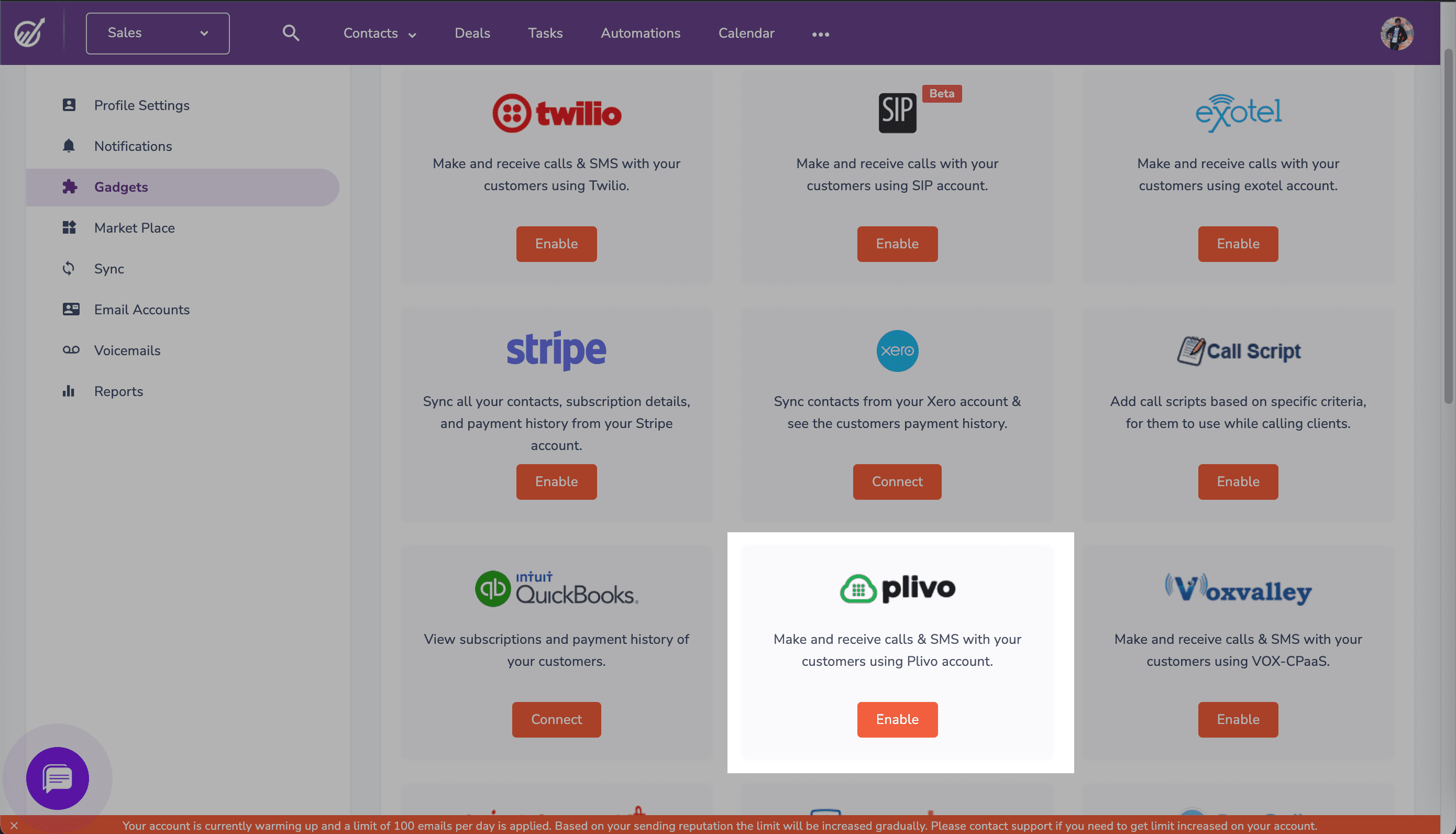
To get started, log in to the EngageBay dashboard, click on the Profile drop-down at the top right, then Preferences > Gadgets > Plivo (click Enable).
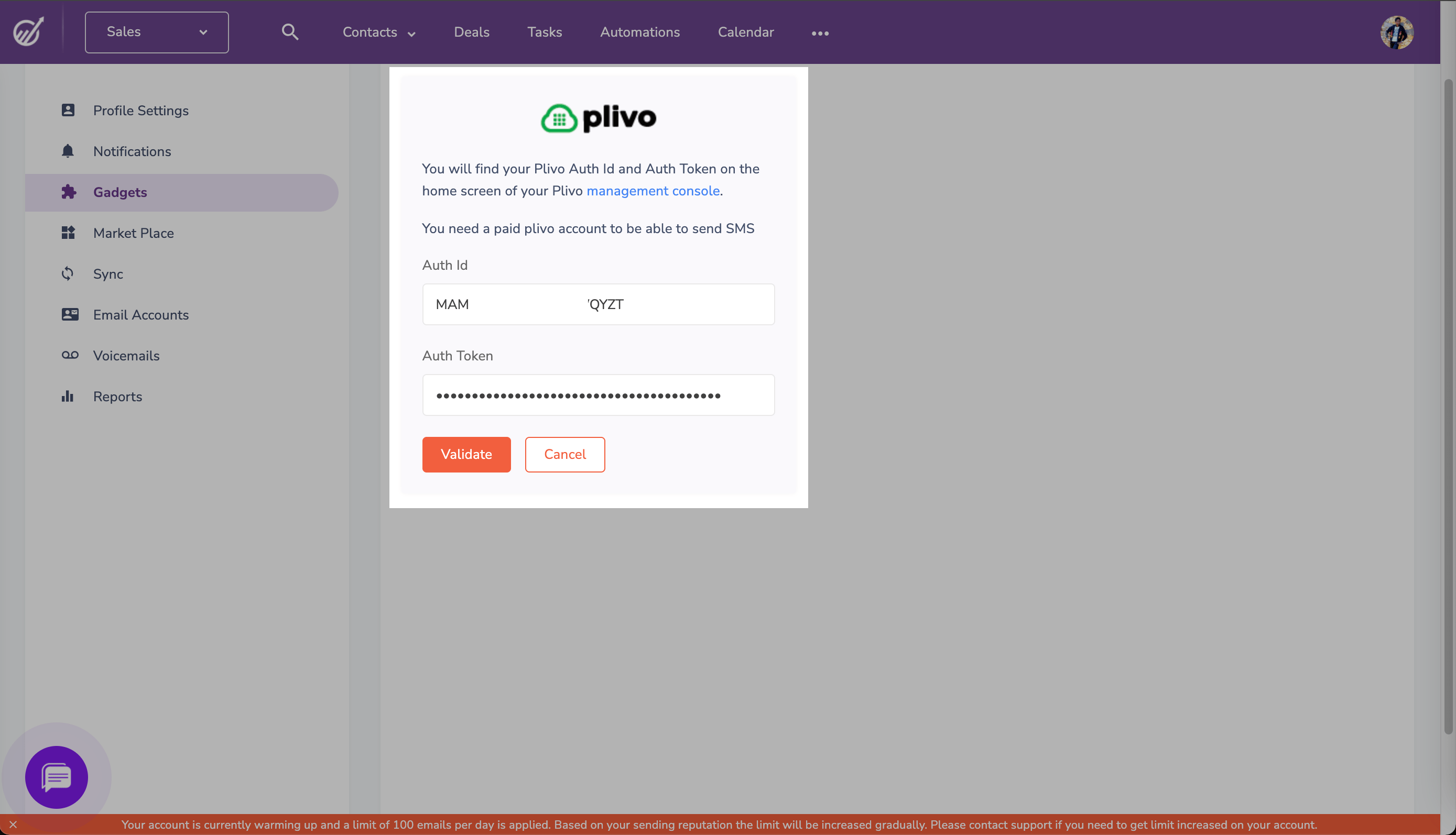
Enter your Plivo Auth ID and Auth Token, which you can find on the overview page of the Plivo console, and click Validate.
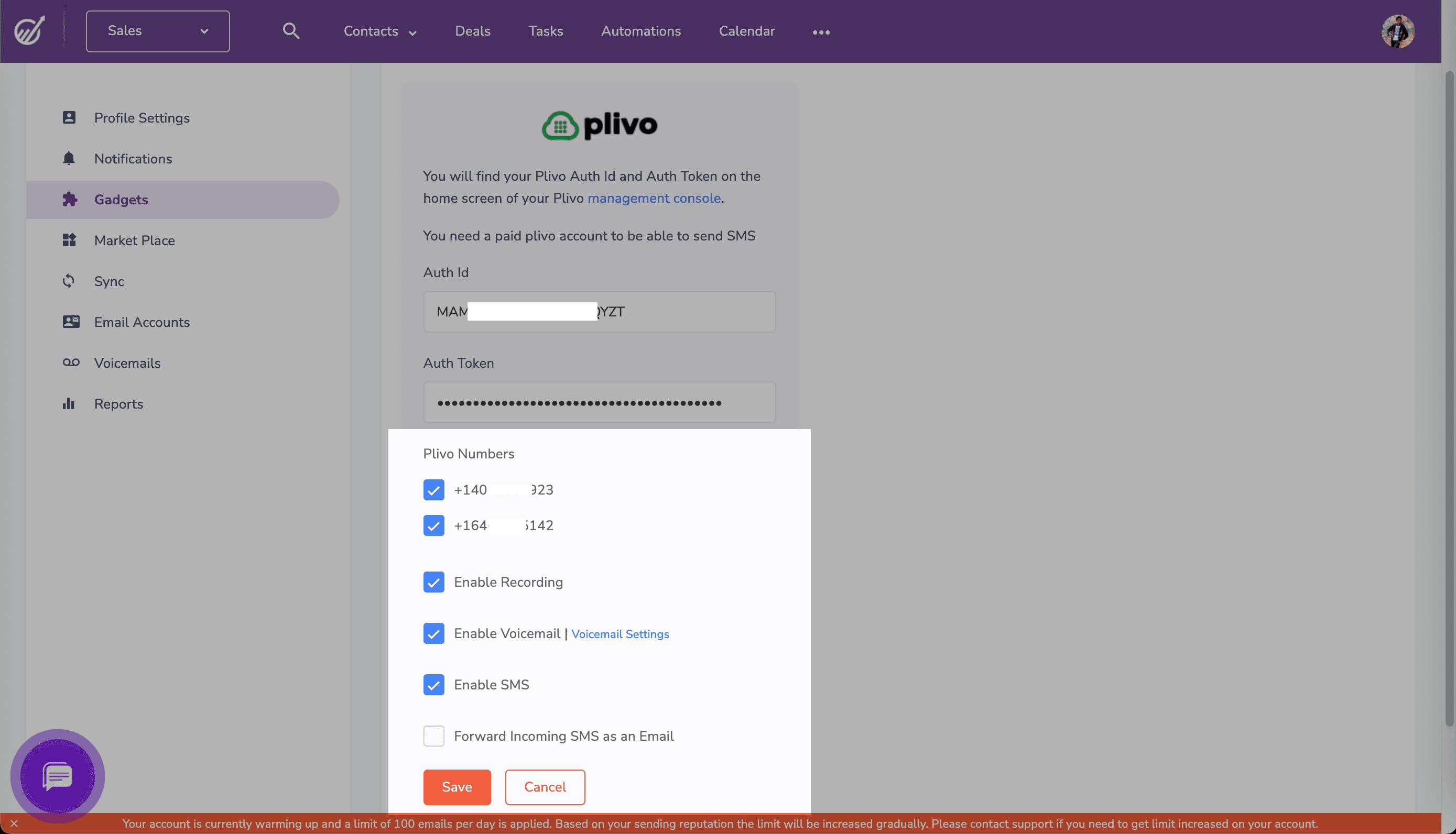
Once you validate your credentials, the next screen will prompt you to choose the Plivo phone numbers you want to enable on EngageBay. Choose the options you want and click Save.
Now you can use your Plivo number within EngageBay to send SMS messages and make voice calls.
Was this page helpful?
⌘I
Assistant
Responses are generated using AI and may contain mistakes.