> ## Documentation Index
> Fetch the complete documentation index at: https://plivo.com/docs/llms.txt
> Use this file to discover all available pages before exploring further.
# Overview
> Set up the Plivo integration on Zapier for SMS and voice Zaps
To start using Plivo with [Zapier](https://zapier.com/apps/plivo/integrations), you need
* A [Plivo account](https://cx.plivo.com/signup)
* A paid or trial [Zapier account](https://zapier.com/sign-up/?ref=plivo-devdocs)
Start creating a Plivo Zap. You’ll be asked to connect your Plivo account.
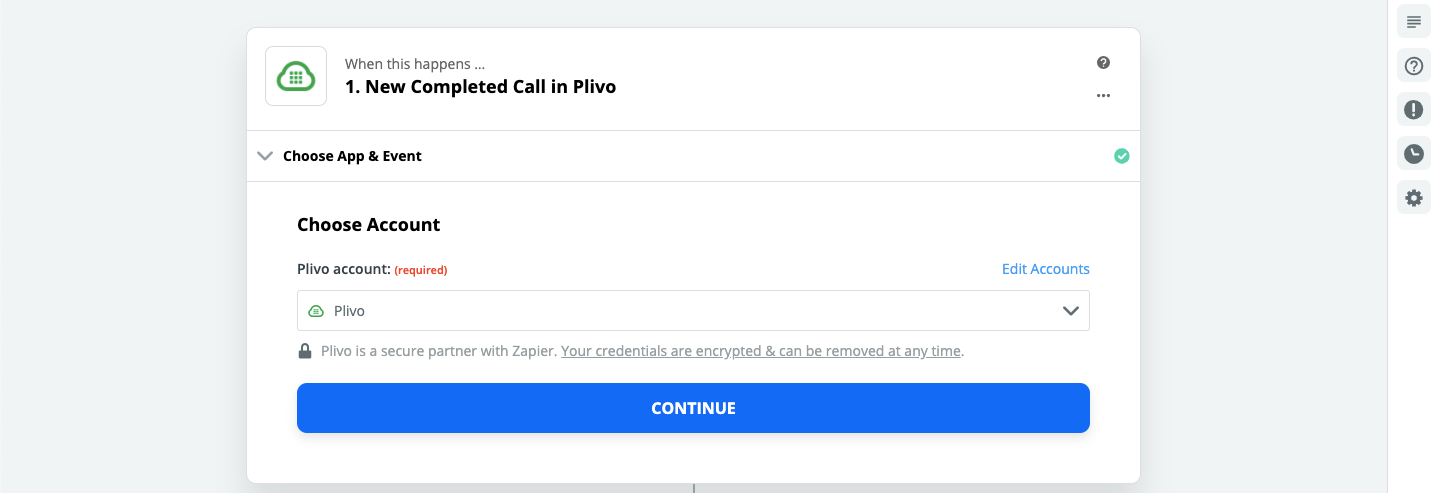 When you click **Continue**, you’ll be asked to enter your Plivo Auth ID and Auth Token, which you can find on the overview page of the [Plivo console](https://cx.plivo.com/home).
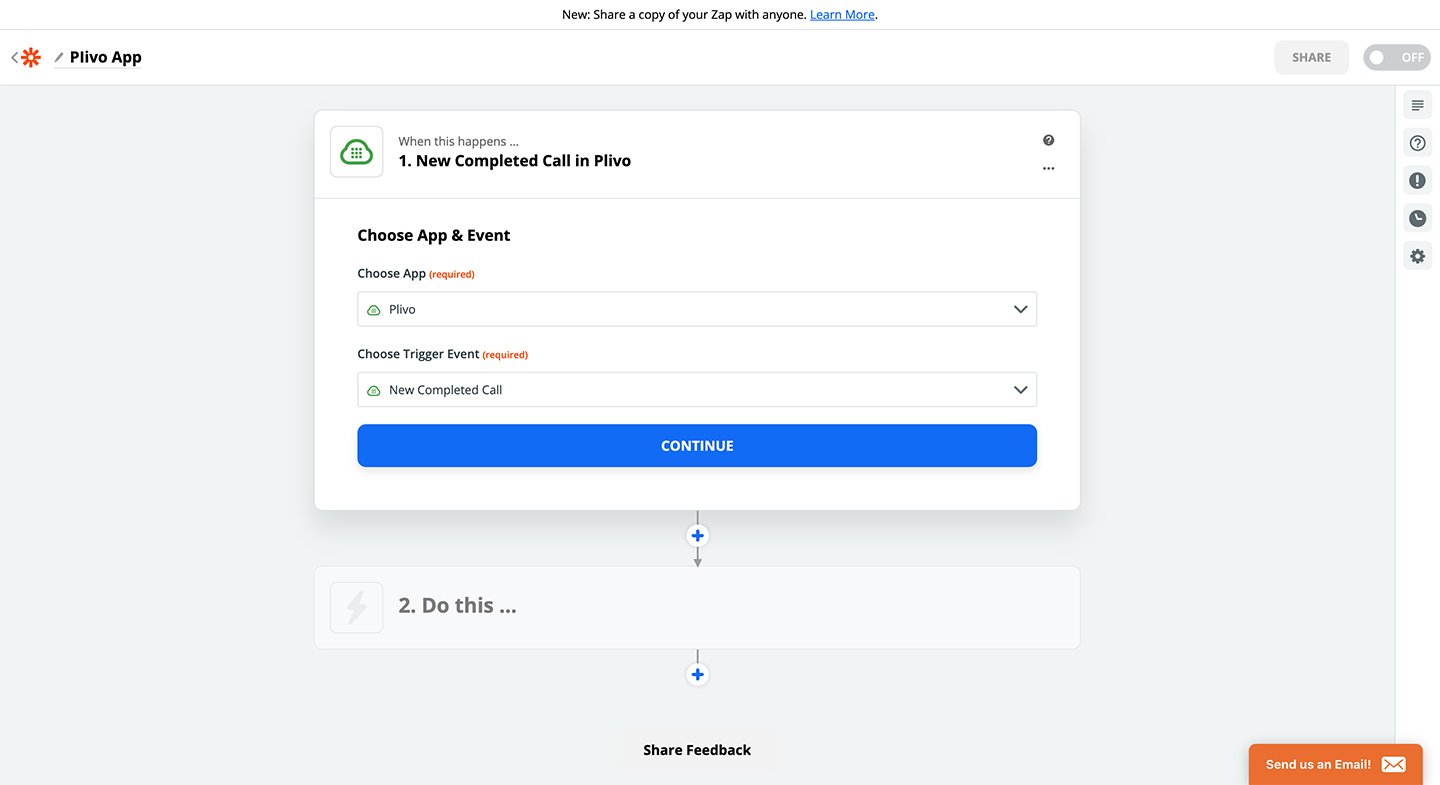
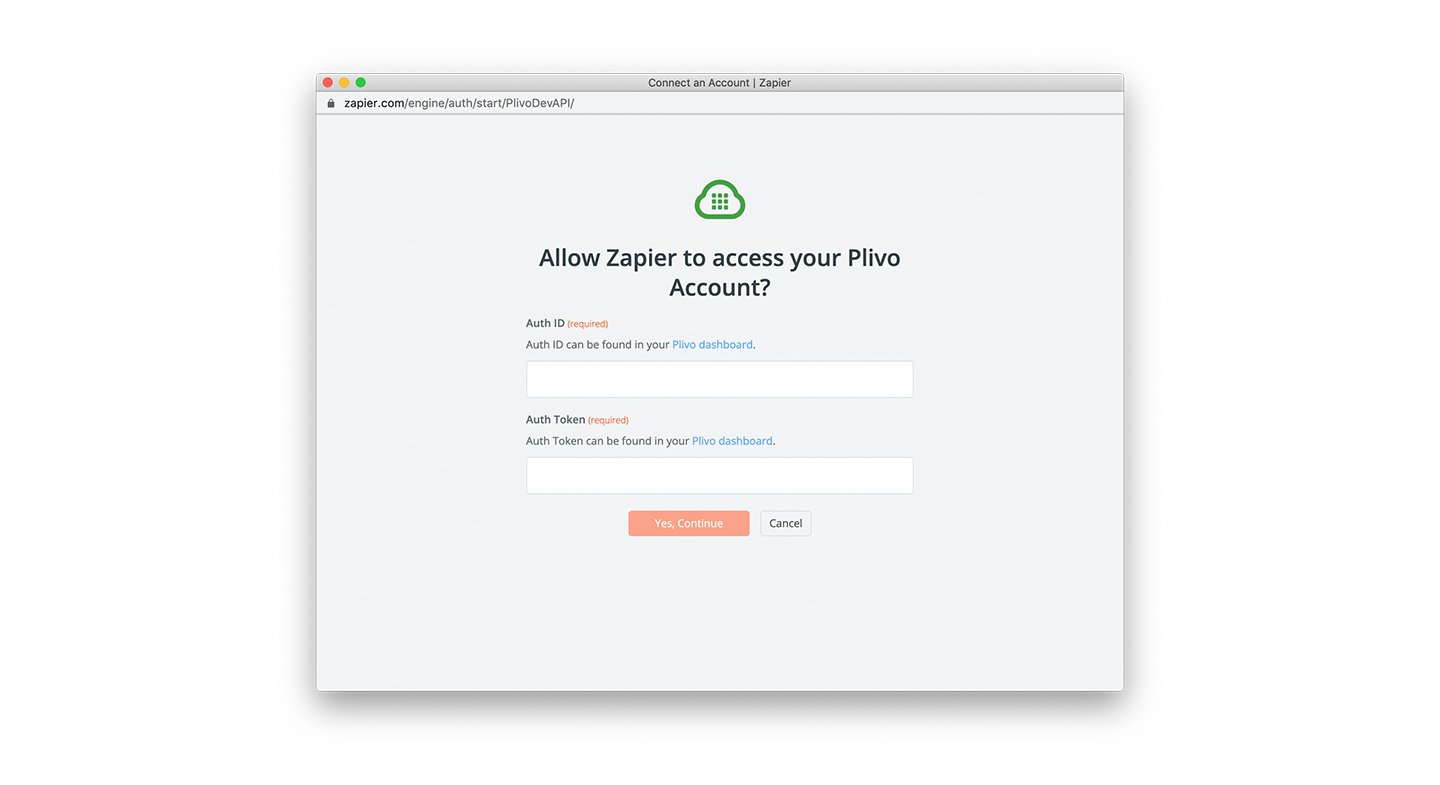 If the authentication credentials are valid, your Plivo account will be connected with Zapier. Now choose a trigger event from the drop-down list and click **Continue** to proceed.
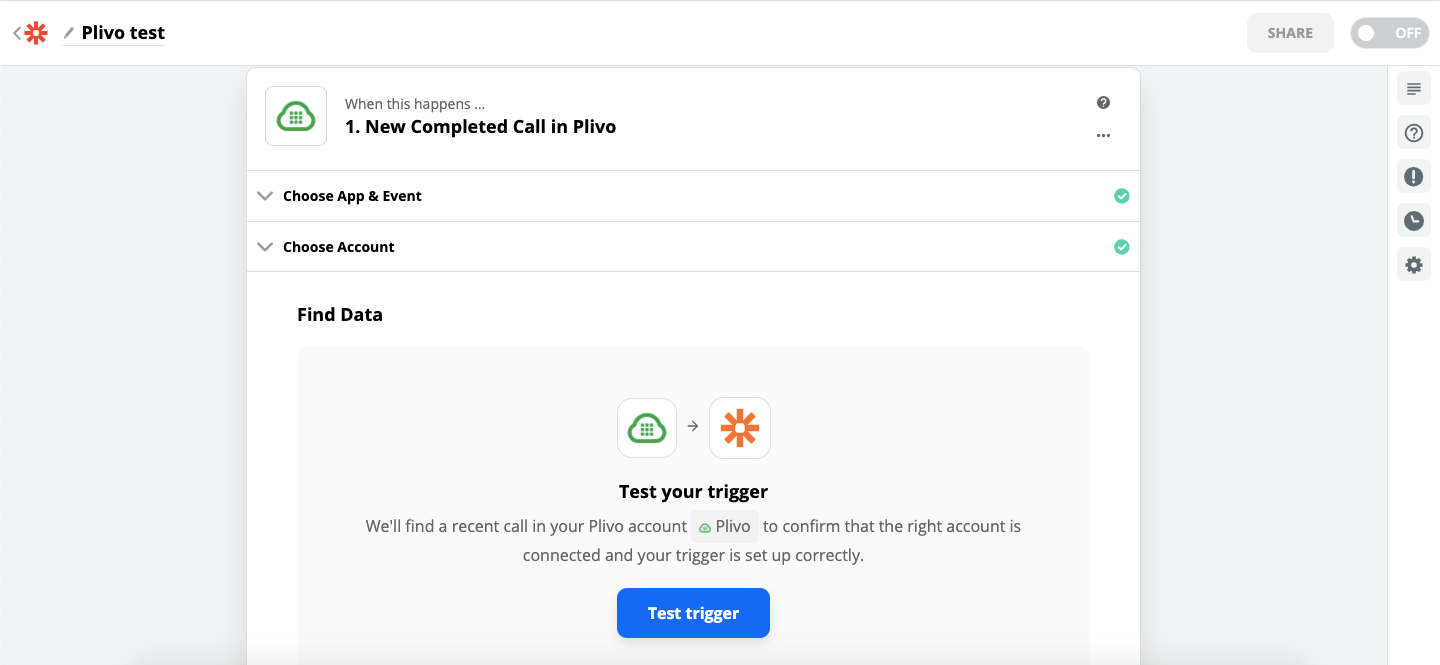
 Next, initiate a test by clicking on **Test trigger**.