> ## Documentation Index
> Fetch the complete documentation index at: https://plivo.com/docs/llms.txt
> Use this file to discover all available pages before exploring further.
# n8n.io
> Automate SMS, MMS, and voice workflows with Plivo and n8n
[n8n.io](https://n8n.io/) is a powerful workflow automation tool that lets you deploy smart workflows for your business processes. You can use n8n’s [Plivo](https://docs.n8n.io/nodes/n8n-nodes-base.plivo/) node to connect it with other nodes (applications) to send SMS or MMS messages or make phone calls.
To start using Plivo with n8n, you’ll need
1. **An [n8n Cloud account](https://app.n8n.cloud/register)**
2. **Your Plivo Auth ID and Auth Token**: You can find your Plivo Auth ID and Auth Token on the overview page of the [Plivo console](https://cx.plivo.com/home).
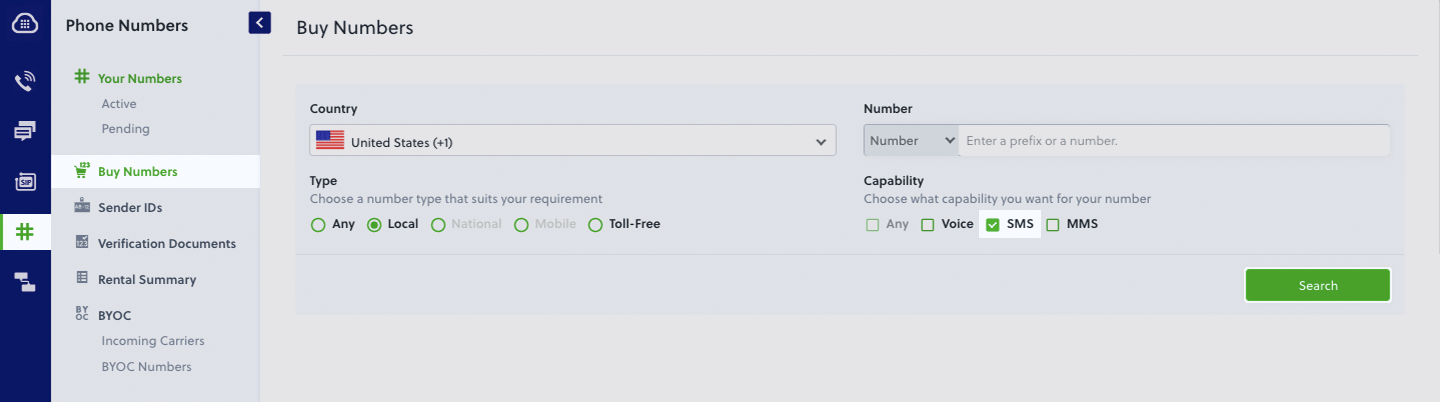
 3. **A Plivo number** *(optional)*: You must have an SMS-enabled Plivo phone number to send SMS messages to numbers in the US and Canada. Purchase numbers from the [Phone Numbers](https://cx.plivo.com/phone-numbers) page of the Plivo console, or by using the [PhoneNumber API](/docs/numbers).