> ## Documentation Index
> Fetch the complete documentation index at: https://plivo.com/docs/llms.txt
> Use this file to discover all available pages before exploring further.
# Overview
> Build a daily weather SMS workflow with n8n and Plivo
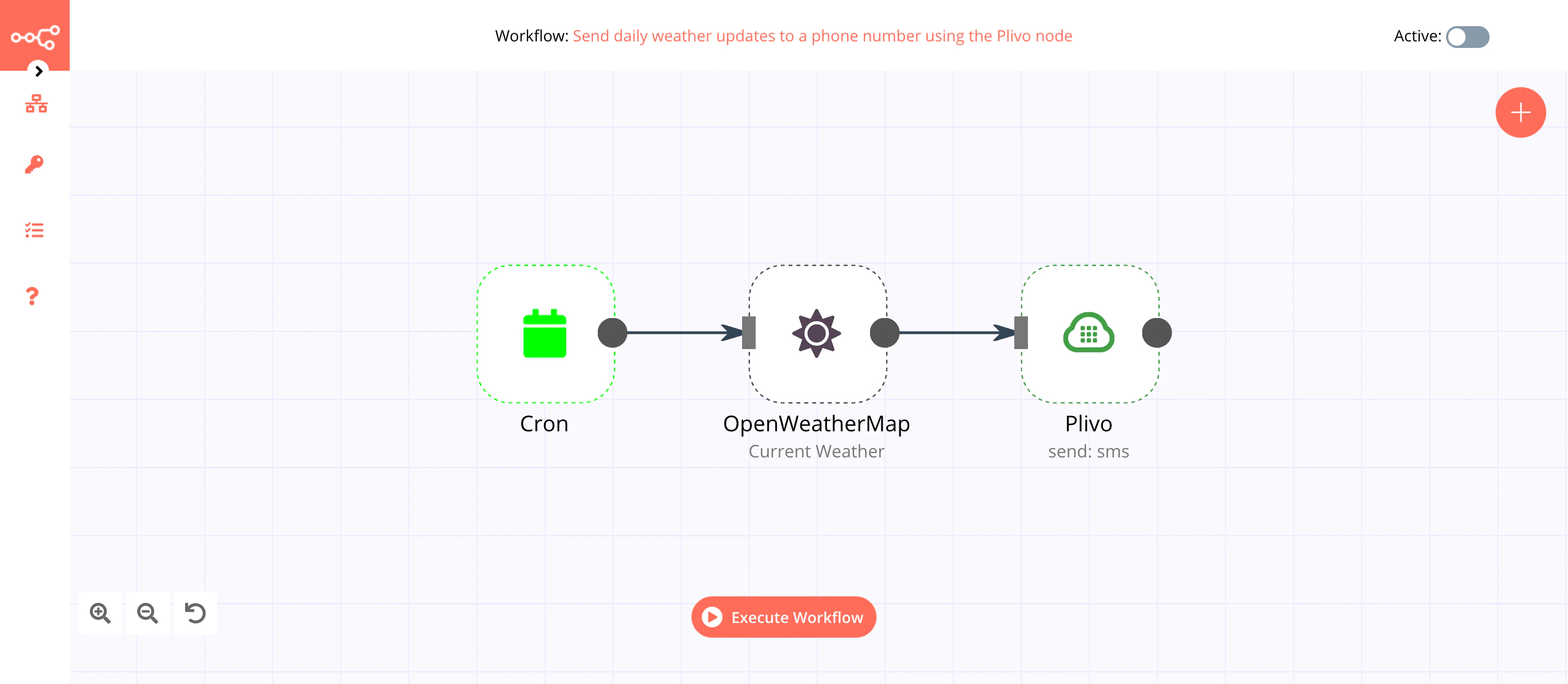
To see how n8n works, you can create a workflow that sends daily weather updates via SMS messages using the [Plivo](https://docs.n8n.io/nodes/n8n-nodes-base.plivo/) node, as well as [Cron](https://docs.n8n.io/nodes/n8n-nodes-base.cron/) and [OpenWeatherMap](https://docs.n8n.io/nodes/n8n-nodes-base.openWeatherMap/) nodes. You can find the [workflow](https://n8n.io/workflows/1005) on n8n.io.
The final workflow should look like this.