> ## Documentation Index
> Fetch the complete documentation index at: https://plivo.com/docs/llms.txt
> Use this file to discover all available pages before exploring further.
# Cron node
> Schedule daily SMS triggers using the n8n Cron node
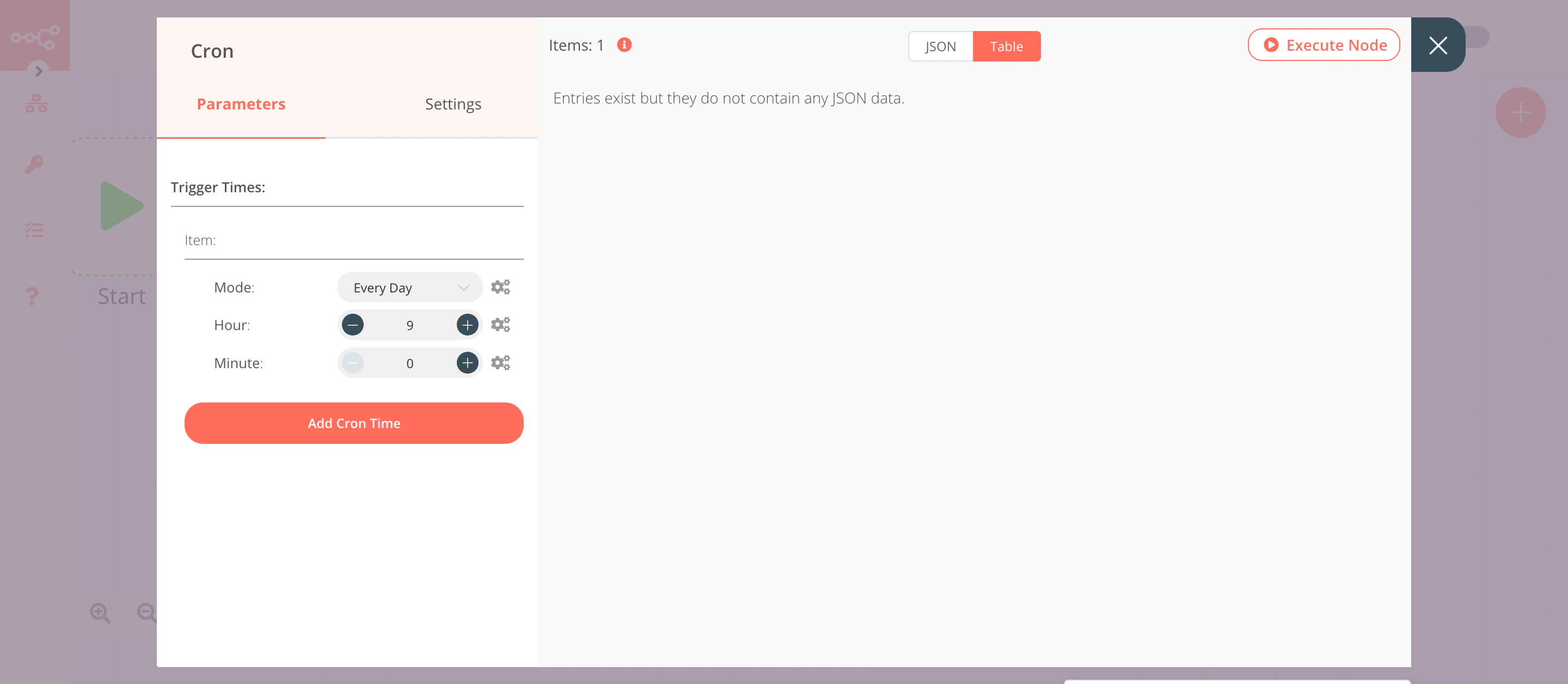
The Cron node will trigger the workflow daily at 9 a.m.
1. Click on **Add Cron Time**.
2. Set hours to 9 in the **Hour** field.
3. Click on **Execute Node** to run the node.
In this screenshot, the Cron node is configured to trigger the workflow every day at 9 a.m.