> ## Documentation Index
> Fetch the complete documentation index at: https://plivo.com/docs/llms.txt
> Use this file to discover all available pages before exploring further.
# Example automation
> Build a Google Sheets-to-SMS automation with Integrately and Plivo
You can create an automation to send an SMS message when a row is updated in a Google Sheet.
* Go to the [Integrately Store](https://integrately.com/integrations/Plivo), click on the “+” sign, and add the Google Sheets app next to Plivo.
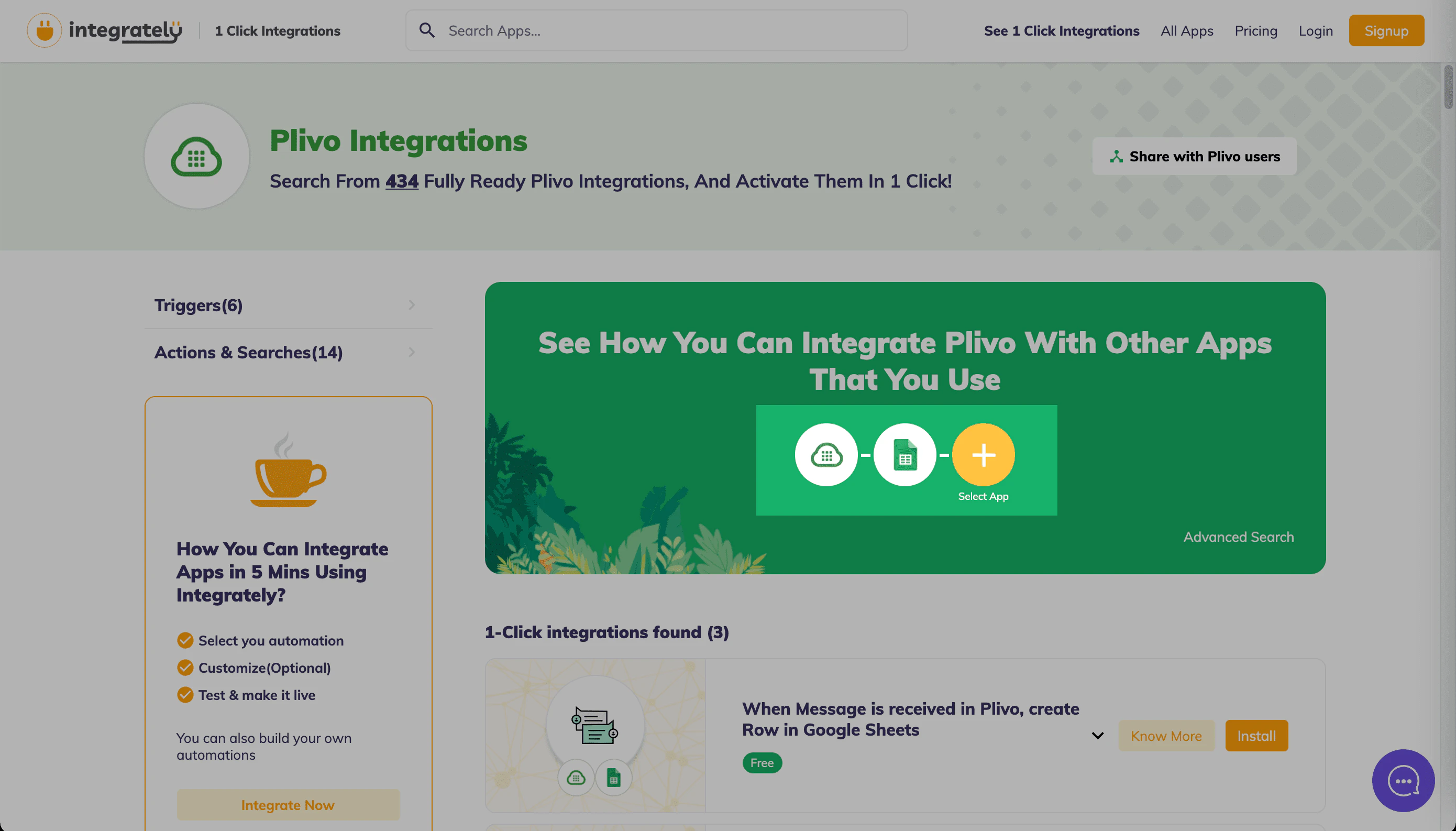 * From the “1-Click integrations found” section, select “When Row is created in Google Sheets, send Message via Plivo” and click **Install**.
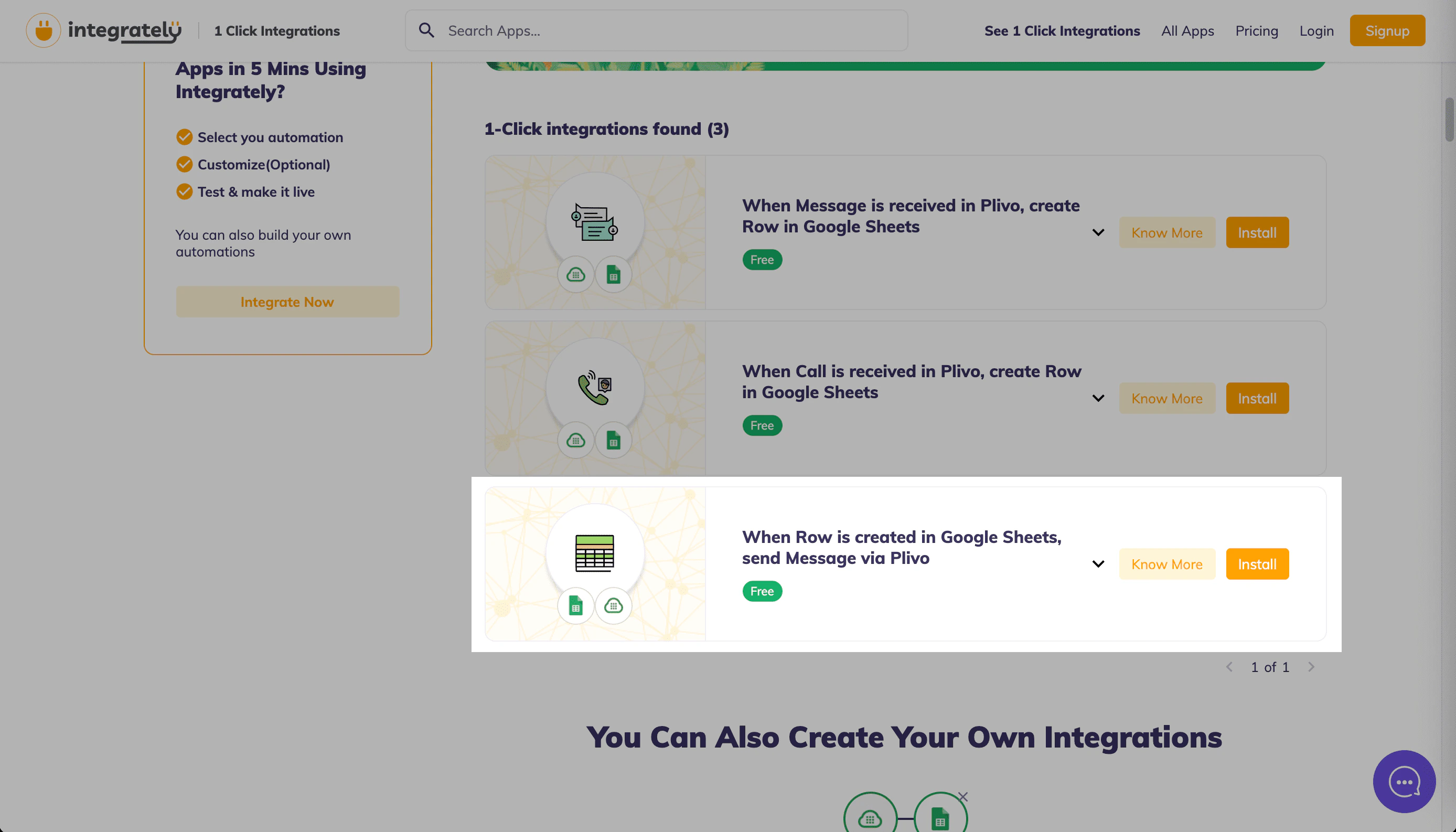 * On the next screen, click **Yes, Install** to load the automation.
* Connect your Google account and your Plivo account using valid authentication credentials.
* On the next screen, click **Yes, Install** to load the automation.
* Connect your Google account and your Plivo account using valid authentication credentials.
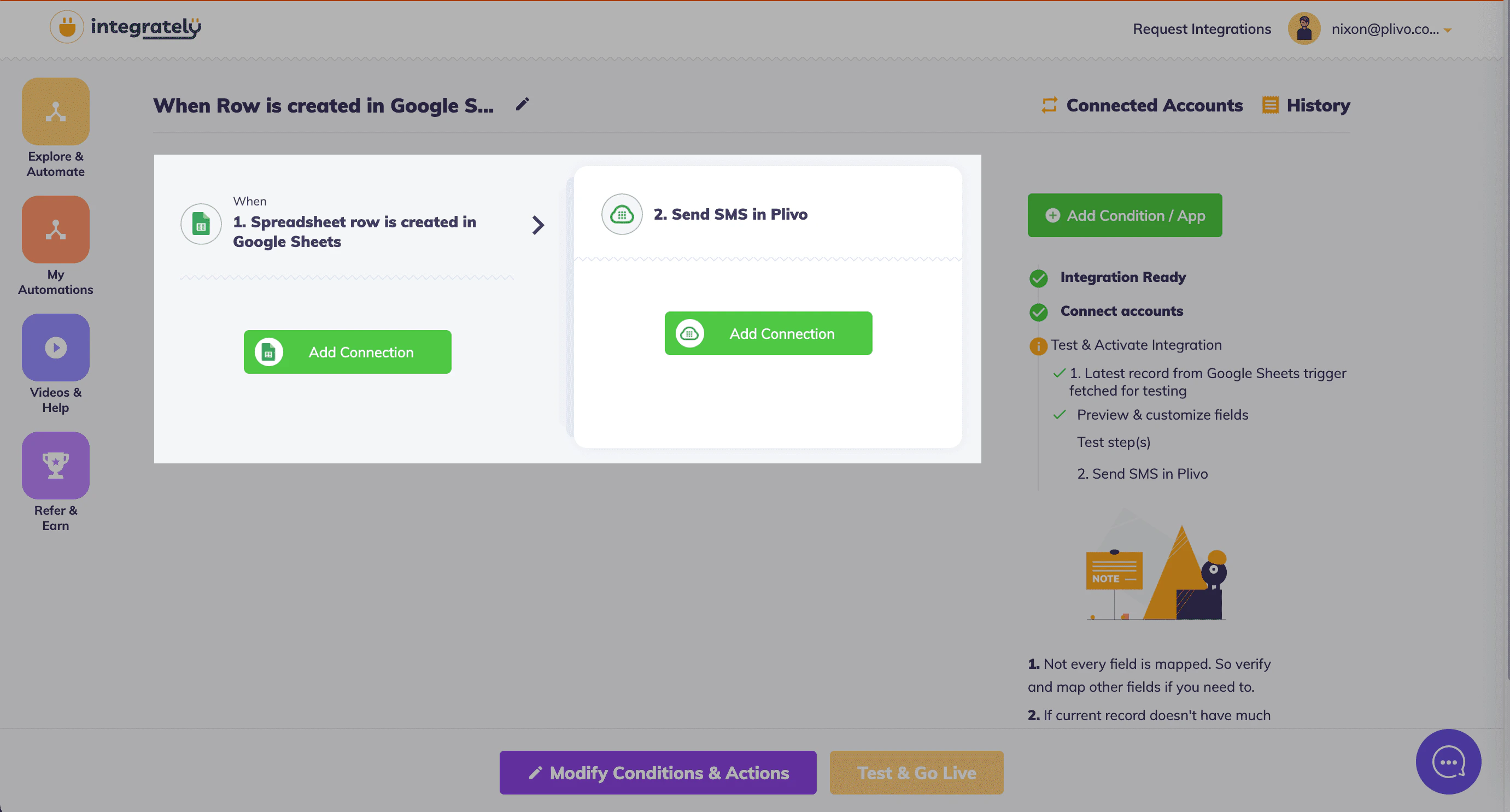 * Select the Google Sheet name and Spreadsheet name for which you wish to implement the automation.
* Fill in the source number, destination number, and text to send.
* Click **Test & Go Live** to test your automation.
* Select the Google Sheet name and Spreadsheet name for which you wish to implement the automation.
* Fill in the source number, destination number, and text to send.
* Click **Test & Go Live** to test your automation.